Maintenance and cleaning
Proper cleaning is more than blowing dust through the vents. We open the device carefully, clean the heatsink and fan, replace thermal paste when included and check temperatures after reassembly.
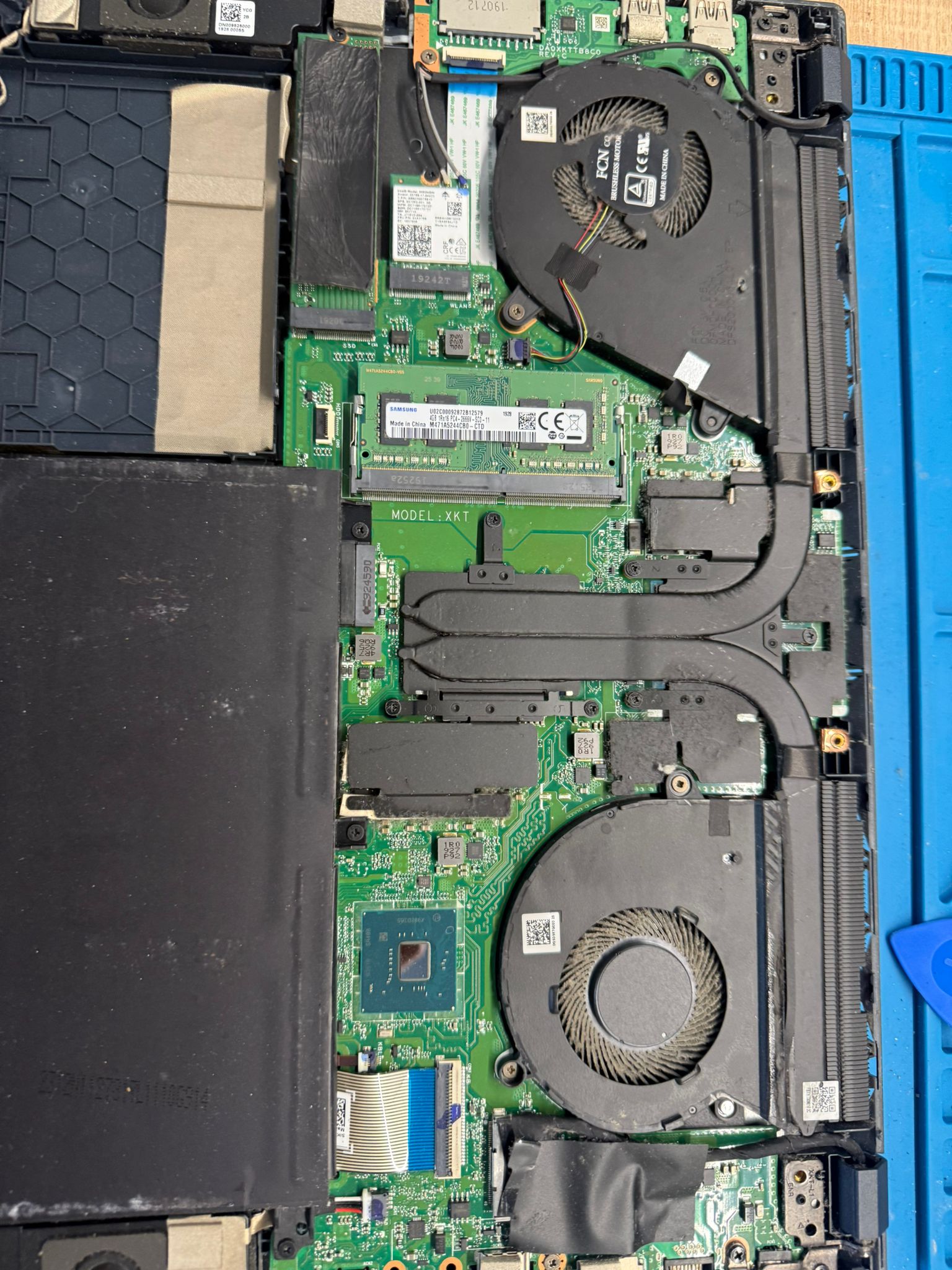
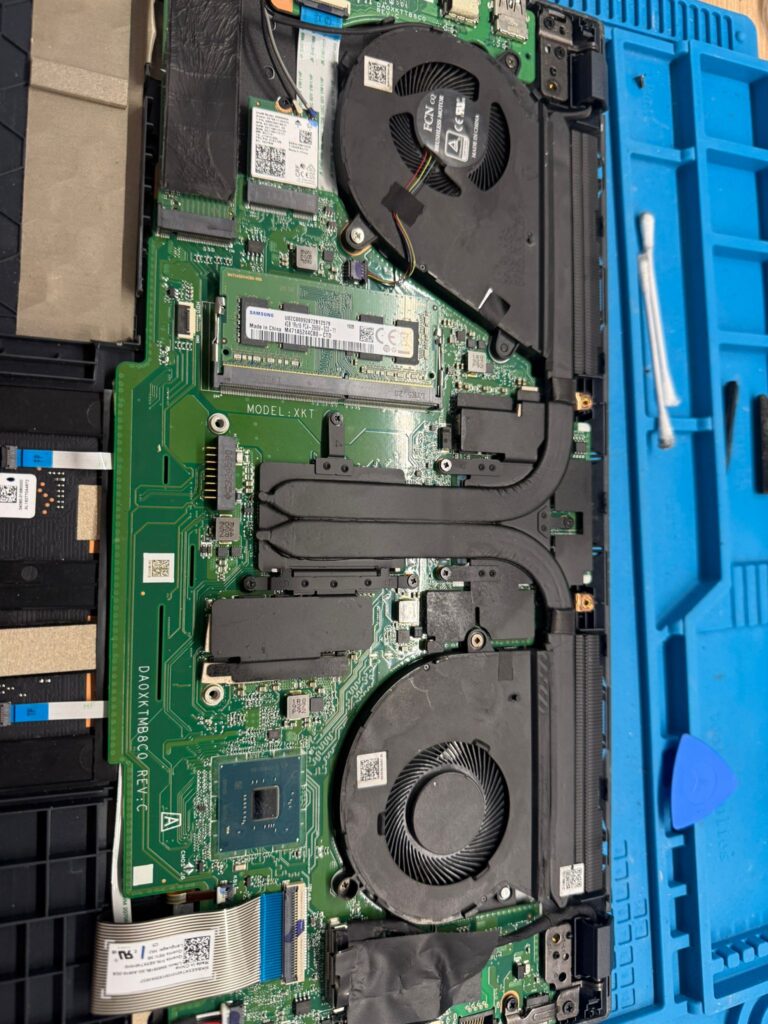
Signs that maintenance is needed
High temperatures can reduce performance and cause shutdowns.
- Fan noise during light use.
- Hot chassis, performance drop or slowing after a few minutes.
- Sudden shutdowns, freezes or visible dust in the vents.
- Gaming laptop or PC used regularly in a dusty environment.
What cleaning includes
The exact work depends on the model and condition found.
- Careful access and cleaning of the heatsink, fan and air channels.
- Thermal paste replacement when access and the model allow it.
- Cooling contact check and reassembly.
- Temperature and behaviour test after the work.
When should maintenance be planned?
The right interval depends on use, model and environment. We explain what we found instead of promising an automatic schedule.
Frequently asked questions
Does cleaning always solve overheating?
Often, but a faulty fan or a cooling contact issue may need a separate quote.
Is new thermal paste used?
Yes when the service and model allow replacement; the exact scope is confirmed before work.
Are parts included?
The listed price covers the service. Additional parts appear separately in the quote.
Workshop and device collection
The main workshop is at my home in Villiers-sur-Marne, by appointment. As a student at Institut Polytechnique de Paris, I can also arrange collection and return of laptops, desktop PCs and PlayStation or Xbox consoles in the Palaiseau–IP Paris area. The meeting point and arrangements are agreed before collection. Next-day return may be possible depending on the work and parts availability; the timing is confirmed for each device.
Arrange an appointment by phone : +33 7 43 69 59 27 · +40 773 890 618